Command
/rules <enable/disable> [role] [channel]Description
Sets the Rule Role and the channel for the message, where the User can click the Button.
Permission
ADMINISTRATOR
Arguments
| Name | Type | Description | Sample Data |
|---|---|---|---|
| role* | ROLE | The role, that will be added to the User | @User |
| channel* | CHANNEL | The channel, where the Rule Buttons will be placed | #rules |
*: This is only available on the 'enable' subcommand. |
Sample Response
Enable
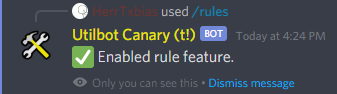
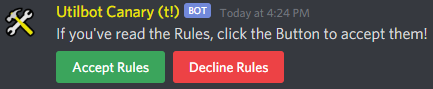
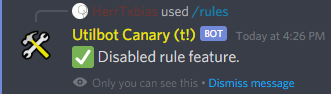
Disable